06. Performant Lighting
Performant Lighting
At this point, you should be pretty pretty familiar with the differences between Real Time, Baked, and Mixed Lights in Unity.
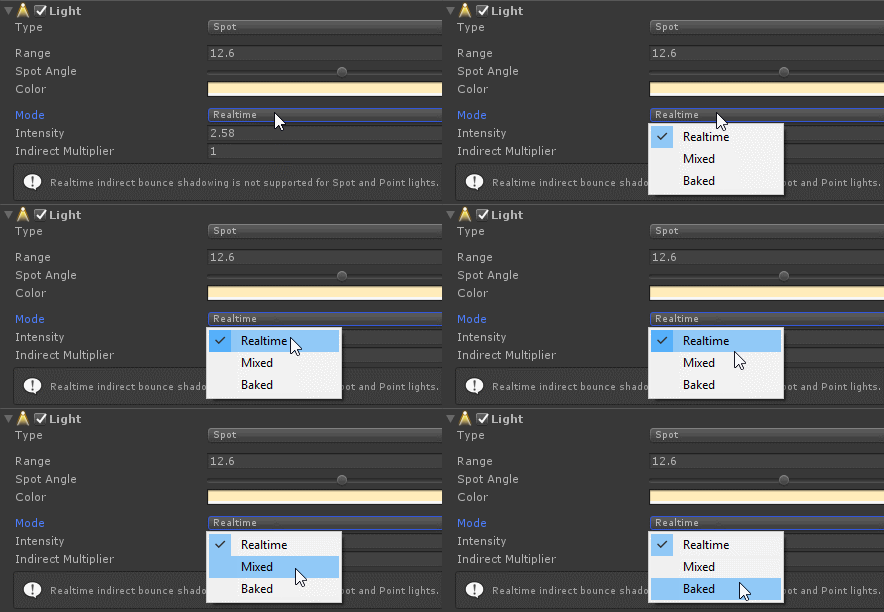
As you know, lighting plays a MAJOR role in how performant your application will run. And yet, it is super important to get right in Desktop VR because we have more compute power to work with to increase the visual fidelity of our applications. Here are a few quizzes just to quickly recap lighting basics. Here are a few links just a refresher:
Ambient Realtime
SOLUTION:
- It affects the lighting of everything in the scene and is on by default, so changing it can have a large affect on your scene’s lighting
When to Bake
SOLUTION:
- To have the highest resolution lighting possible
- To save realtime performance on lighting for objects that don’t move
Mixed Lights
SOLUTION:
- To light moving objects in realtime and bake lights on static object
- To avoid adding realtime light to objects that have baked lighting using the same light source